
Business software takes care of the repeating jobs every company runs on: sending invoices, following up with customers, tracking projects, paying people, and keeping everyone informed. It turns those jobs from manual chores into smooth, repeatable workflows. This guide explains what it is, what it can do, the main types, real examples at every company size, and how to choose and roll it out without costly mistakes.
The common assumption
Business software is only for big companies with IT departments and large budgets.
The reality
A freelancer with an invoicing app already uses business software. The only question is whether it fits the work.
The market is crowded, and most vendors promise to do everything. The goal here is simple: give you a clear map of the categories, show you which tools people actually use, and help you pick software that fits how your team works.
What Is Business Software? A Simple Definition
Business software is any application or platform that helps a company run its daily work, from tracking money and customers to managing projects and keeping teams in touch. Instead of handling these jobs by hand or in scattered spreadsheets, a business uses business software to automate repetitive tasks, keep information in one place, and make decisions with accurate data. It can be as simple as an invoicing app for a freelancer or as broad as an ERP system that connects finance, inventory, and operations across a large company.
You will also see it called business applications, business management software, or enterprise software. The terms overlap. “Enterprise software” usually means larger, more complex systems built for big organizations, while “business software” covers everything from a free app to a full enterprise suite.
Simple way to remember it: if a tool helps your business get a task done faster, more accurately, or with less manual effort, it counts as business software.
What Can Business Software Do for Your Business?
The short answer: it removes friction. The longer answer depends on the tool, but most business software delivers value in the same six ways.
- Automates repetitive work: invoicing, payment reminders, scheduling, data entry, and follow-up emails running without anyone touching them.
- Keeps information in one place: customer details, financial records, and project status live in a single system instead of five spreadsheets.
- Improves collaboration: teams see the same data in real time, even when they work in different locations or time zones.
- Supports better decisions: dashboards and reports show sales trends, cash flow, and workloads without manual number crunching.
- Reduces errors: fewer manual steps mean fewer typos, duplicate records, and missed deadlines.
- Helps you scale: processes that work for five people often break at fifty. Good software gives you structure before that happens.
Software does not fix a broken process, though. It makes a good workflow faster and a messy one more expensive, so it pays to know what you want to improve before you buy anything.

The 6 Main Types of Business Software (With Examples)
Business software covers hundreds of niches, but most tools fall into one of six core categories. Many guides list only five and leave out communication tools, yet every team depends on them, so they earn a place here.
| Type | What it does | Examples |
|---|---|---|
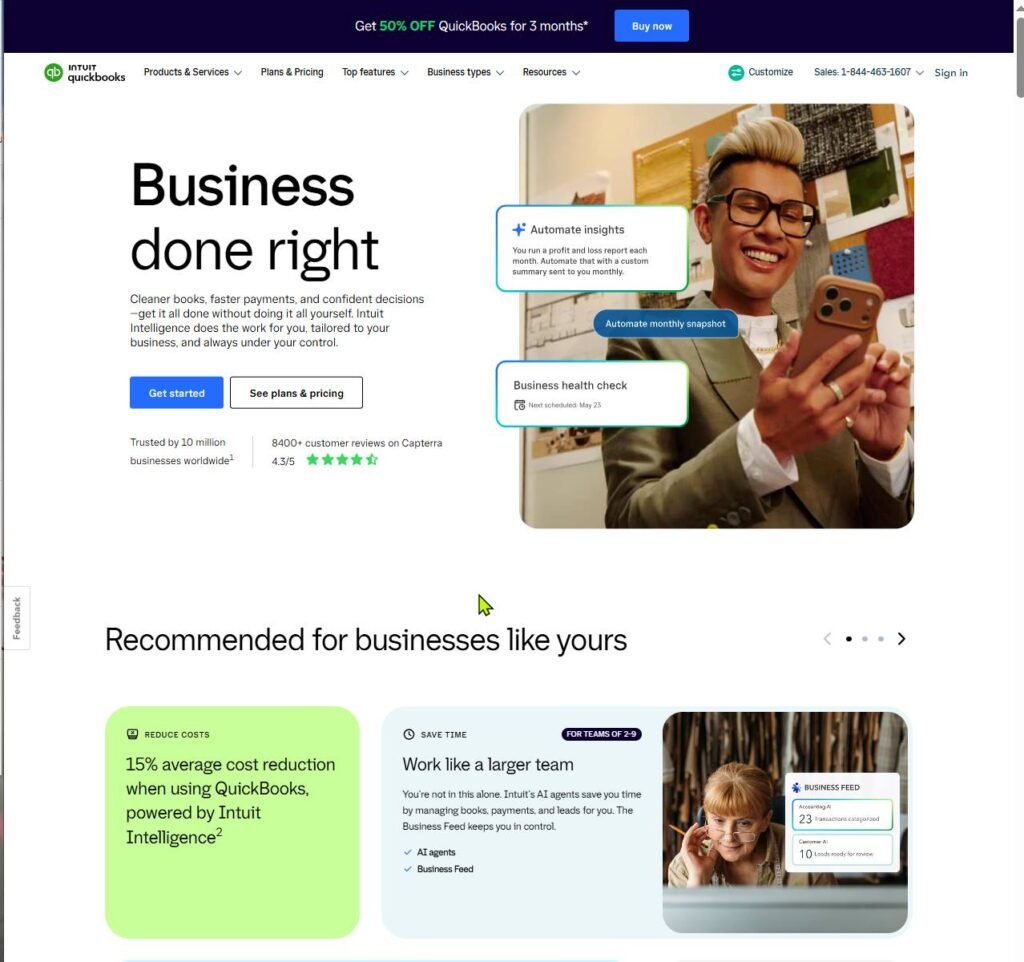
| Accounting | Invoicing, expenses, payroll, financial reports, tax preparation | QuickBooks, Xero, FreshBooks, Sage |
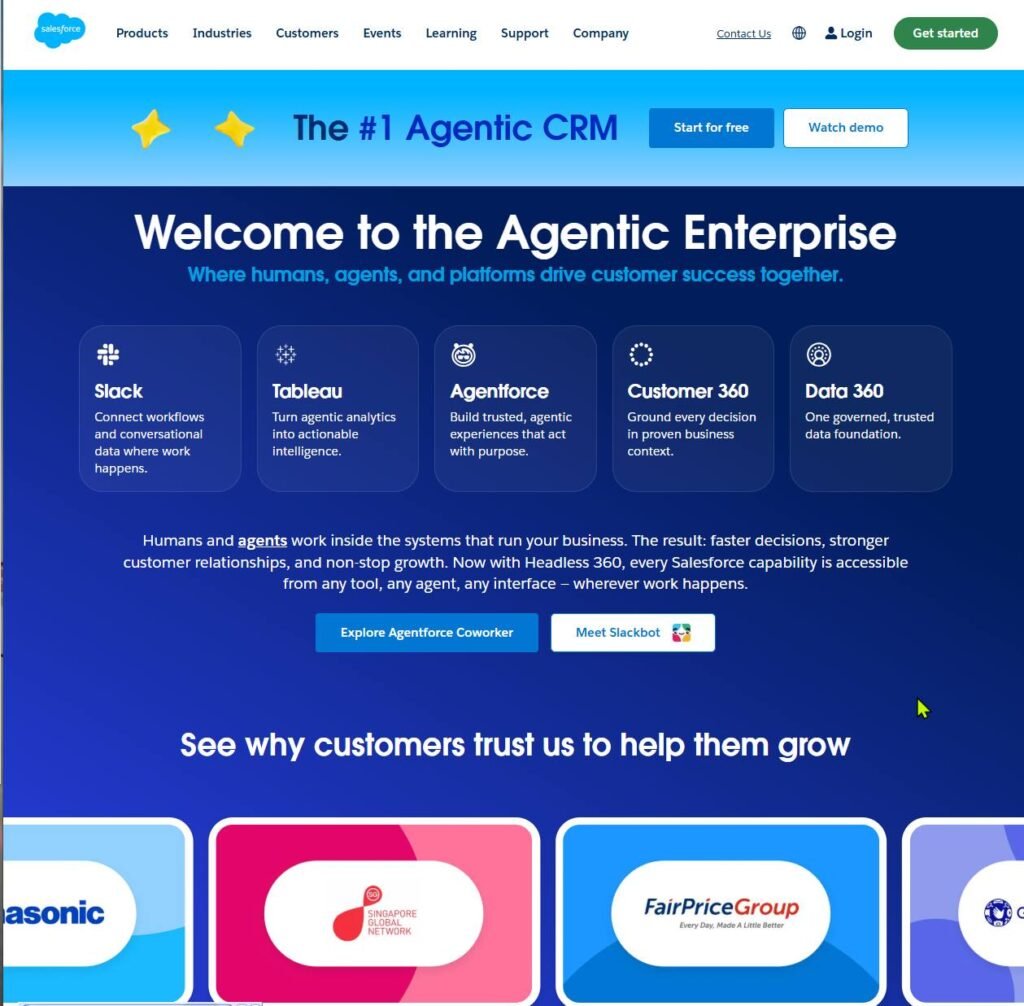
| CRM | Tracks leads, customers, deals, and communication history | Salesforce, HubSpot, Zoho CRM, Pipedrive |
| ERP | Connects finance, inventory, purchasing, HR, and operations in one system | NetSuite, SAP Business One, Microsoft Dynamics 365, Odoo |
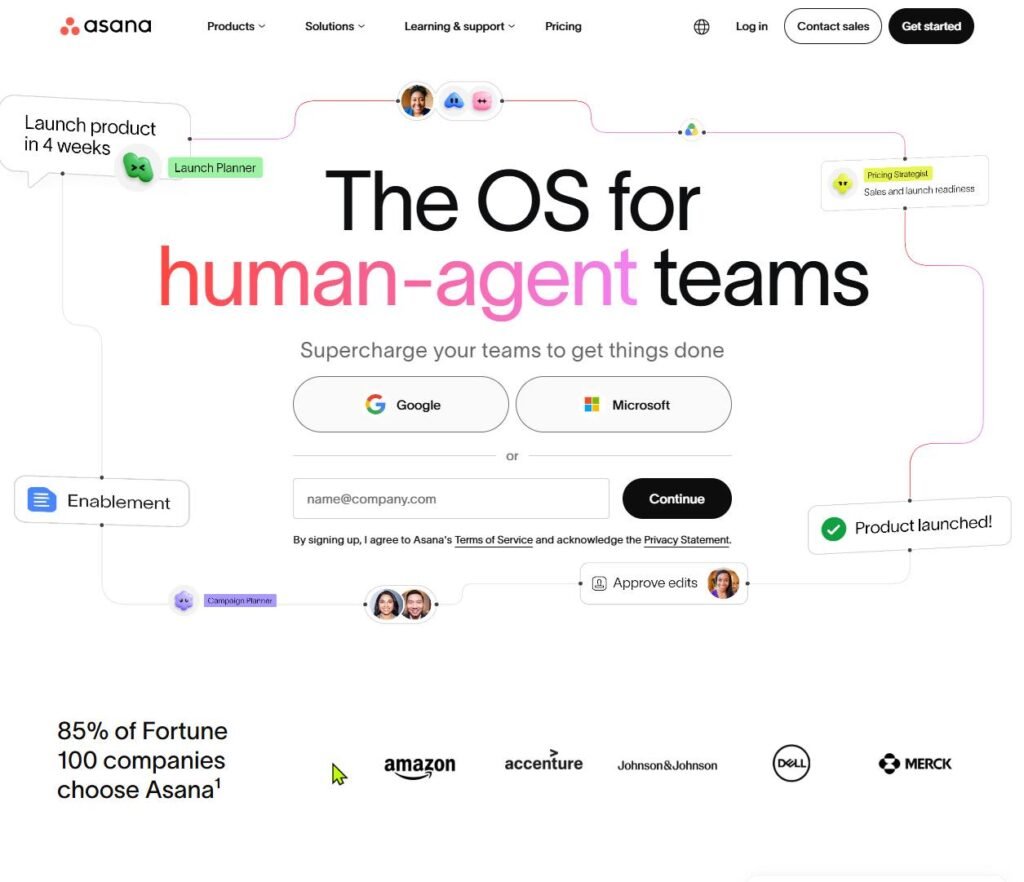
| Project management | Plans tasks, deadlines, and team workloads | Asana, Trello, monday.com |
| HR | Employee records, payroll, recruiting, time off, performance | Rippling, Gusto, BambooHR |
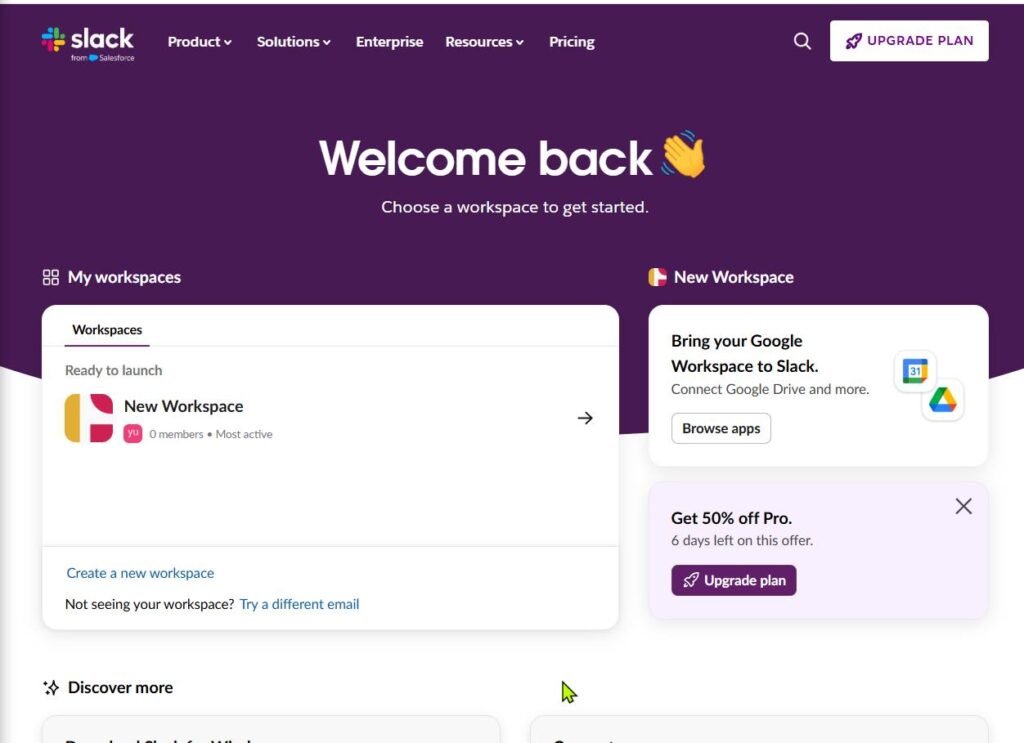
| Communication | Chat, video calls, and file sharing for teams | Slack, Microsoft Teams, Zoom |
Accounting and finance software
This is usually the first software a business buys. It handles invoices, bills, bank reconciliation, and reports, and many tools connect straight to your bank account. Most CRMs and payment tools integrate with accounting software, so it is also a good foundation to build on.
CRM software
Customer relationship management software records every interaction with a lead or customer, so sales and support teams never lose context. If your revenue depends on follow-ups, a CRM pays for itself quickly.
ERP software
Enterprise resource planning software connects finance, inventory, purchasing, and HR through one shared database. It suits growing businesses that outgrow separate tools, but it needs careful planning, training, and ongoing management.
Project management software
These tools turn work into visible tasks with owners and deadlines. They help most when several people or projects overlap and status updates start eating your day.
HR software
HR platforms manage employee records, payroll, time tracking, leave, and recruiting. They reduce paperwork and help keep payroll and compliance tasks accurate as your team grows.
Communication software
Team chat and video tools replace long email threads and impromptu meetings. The risk is notification overload, so agree on channels and response times early.
Most Commonly Used Business Software Examples
There is no single official ranking of “most used” business software, but a core group of tools appears in nearly every company’s stack. This list is based on how widely each tool is adopted across small and mid-size businesses. It is a snapshot of popular choices, not a recommendation, so always test against your own workflow.
| Tool | Category | Best for |
|---|---|---|
| Microsoft 365 | Productivity suite | Email, documents, spreadsheets, and Teams in one subscription |
| Google Workspace | Productivity suite | Cloud-first teams that collaborate on shared documents |
| QuickBooks | Accounting | Small businesses and bookkeepers |
| Salesforce | CRM | Sales-driven companies that need deep customization |
| HubSpot | CRM and marketing | Teams that want sales and marketing in one place |
| Slack | Team chat | Organized, channel-based conversations |
| Zoom | Video meetings | Remote meetings and webinars |
| Asana | Project management | Task tracking across teams |
| Mailchimp | Email marketing | Newsletters and simple automation |
| Stripe | Payments | Accepting online payments and subscriptions |
Notice the pattern: most of these solve one job well and connect to the others. That is why so many businesses end up with a mix of tools rather than one platform that does everything.
Business Software Examples for Small Businesses and Startups
Small teams need tools that are quick to set up, affordable, and easy to learn. You rarely need everything at once, so start with the jobs that cost you the most time today.
Start with these
Add later, when it hurts
- Project management: Trello or Asana once work overlaps
- HR and payroll: Gusto or Rippling as you hire
- Email marketing: Mailchimp when you have an audience
- Automation: Zapier once tools need to talk
- ERP: only when inventory and operations get complex
The mistake to avoid at this stage is buying tools for problems you do not have yet. Every extra subscription is one more thing to learn, pay for, and keep updated.
Enterprise Software Examples: ERP Systems and More
Enterprise software is built for large organizations with many users, complex processes, and strict security and compliance needs. It prioritizes scalability, integration, and deep reporting over quick setup. The core of most enterprise stacks is an ERP system, surrounded by specialist platforms for sales, HR, and service.
- ERP: SAP S/4HANA, Oracle NetSuite, Oracle ERP Cloud, Microsoft Dynamics 365, Infor, and IFS manage finance, supply chain, manufacturing, and procurement.
- Mid-market ERP: Acumatica, SAP Business One, Epicor, and Odoo suit growing companies that have outgrown accounting software but do not need a full enterprise suite.
- CRM and customer service: Salesforce and Zendesk handle large sales and support teams across channels.
- HR and talent: Workday and iCIMS cover large-scale HR, recruiting, and onboarding.
- IT and issue tracking: Jira helps technical teams track bugs and projects.
Enterprise ERPs are powerful but rarely quick or cheap to implement. Expect consultants, data migration, and a training program, and compare vendors on total cost of ownership rather than license price alone.
Industry-Specific Business Software Examples
General tools cover general needs. Some industries have workflows, regulations, or equipment that generic software cannot handle well, and that is where vertical software comes in.
| Industry | What it needs | Example tools |
|---|---|---|
| Construction | Cost estimating, takeoff, site and document management | RIB CostX, Procore |
| Manufacturing | Production planning, inventory, quality control | Syspro, DELMIAWorks, Epicor |
| Healthcare | Patient records, scheduling, privacy compliance | Epic, athenahealth |
| Retail and e-commerce | Point of sale, inventory, online storefronts | Shopify, Square |
| Legal | Case management, time billing, client records | Clio |
| Architecture and engineering | Project accounting and resource planning | Deltek |
Industry-specific tools usually save time on setup because the workflows are already built in. The trade-off is a smaller ecosystem of integrations, so check that the software connects to your accounting and communication tools before you commit.
Free vs. Paid Business Software: Which Should You Choose?
Free tools are a great way to test a workflow, and many are good enough to run a small business on. The real question is whether the limits of a free plan will hurt you.
Free is often enough when
- You are a solo founder or a team of two or three
- You are testing a workflow before investing
- Your data volume and user count are small
- You do not need advanced reporting or permissions
Paying makes sense when
- You hit user, storage, or automation limits
- You need roles, permissions, and audit trails
- Support and uptime guarantees matter to your customers
- You need integrations or exports locked behind paid plans
Open-source options such as Odoo’s community edition sit in between: free to use, but you may need technical help or paid support to run them well. Whatever you pick, confirm you can export your data on the free plan, so you are never stuck if you outgrow it.
Off-the-Shelf, Cloud, Custom, or On-Premise?
Beyond what the software does, you must also choose how it is built (off-the-shelf vs. custom) and where it is hosted (cloud vs. on-premise).
| Option | Best for | Trade-off |
|---|---|---|
| Off-the-shelf | Standard needs that many businesses share | You adapt your process to the software |
| Cloud (SaaS) | Low upfront cost, automatic updates, access from anywhere | Ongoing subscription and reliance on the vendor |
| On-premise | Strict control over data and infrastructure | Higher upfront cost and your own maintenance |
| Custom (bespoke) | Unique workflows that no product covers | Highest cost and longest build time |
| Hybrid | Gradual migration or compliance needs | More moving parts to manage |
For most small and mid-size businesses, cloud-based off-the-shelf software is the sensible default. Consider custom software only when your process is a real competitive advantage and nothing on the market comes close, because maintaining it becomes your responsibility.
How AI Is Changing Business Software
AI features now appear in almost every category of business software. Most are not new products. They are assistants built into tools you already use, and they tend to help with the repetitive, text-heavy parts of the job.
- CRM: drafting outreach emails, summarizing customer history, and suggesting the next best action on a deal.
- Meetings and chat: transcribing calls, summarizing conversations you missed, and pulling out action items.
- Accounting: categorizing transactions and reading data from receipts and invoices.
- Customer support: routing tickets, suggesting replies, and resolving common questions automatically.
- Marketing: generating content drafts, subject lines, and campaign variations.
Before you switch AI features on: check how the vendor stores and uses your data, whether you can turn features off, and whether a person reviews anything that goes to a customer. AI saves time on drafts, but it still needs human judgment.
How to Choose the Right Business Software
A feature comparison chart will not tell you which software is right. A short, honest evaluation will. Work through these five factors in order.
- Needs: write down the specific problem and the three tasks your team repeats every day. If a tool does not visibly improve them, move on.
- Budget: look past the monthly price. Add setup, training, extra users, support, and integrations to see the true cost of ownership.
- Scalability: check whether you can add users, features, and modules without replacing the whole system when the business grows.
- Security: review access controls, authentication options, data protection, and backups, especially if the tool holds customer, financial, or employee data.
- Integrations: the tool must connect to what you already use, such as email, accounting, and your website. If an integration is “coming soon,” assume it is not coming.
Then test with real data. Import an actual customer list or project, give each shortlisted tool a week, and keep the one that makes a specific task measurably faster. Also check how easily you can export your data, because that is a strong signal of how a vendor treats its customers.
Quick rule: compare outcomes, not feature lists. The best tool is the one your team actually uses every day.
Common Mistakes When Implementing Business Software
Choosing the tool is only half the job. Most failed rollouts come down to a handful of avoidable mistakes.
| Mistake | Why it hurts | Better approach |
|---|---|---|
| Buying before defining the problem | You pay for features you never use | Write down the task you want to improve first |
| Skipping training | People avoid the tool or use it wrongly | Run hands-on sessions by role |
| Migrating messy data | Old errors and duplicates move into the new system | Clean, validate, and test data before the move |
| Ignoring integrations | Teams re-enter data by hand between tools | Confirm connections before you sign |
| Switching everything at once | Problems hit the whole company together | Roll out in phases, starting with one team |
| Never reviewing the stack | Unused subscriptions pile up | Review tools every quarter and cancel what no longer earns its place |
The common thread is people, not technology. Involve the team that will use the tool daily, name an owner for the rollout, and plan ongoing support after launch so problems get fixed quickly.
FAQs About Business Software
What is business software and examples?
Business software is any application that helps a company manage its operations, such as finances, customers, projects, employees, and communication. Common examples include QuickBooks for accounting, Salesforce or HubSpot for customer relationships, Asana for project management, Slack for team chat, and NetSuite for ERP.
What are 5 examples of software?
Five familiar examples are Microsoft Excel (spreadsheets), Google Chrome (web browser), Zoom (video meetings), QuickBooks (accounting), and Adobe Photoshop (image editing). Excel and Chrome are general-purpose, Photoshop is creative software, and QuickBooks and Zoom are widely used as business software.
What is the most commonly used business software?
Productivity suites such as Microsoft 365 and Google Workspace are among the most widely used, alongside accounting tools like QuickBooks, CRMs like Salesforce and HubSpot, and communication tools like Slack and Zoom. The right choice still depends on your size, industry, and workflow.
What are the three types of software?
Software is commonly split into system software (operating systems that run the computer), application software (programs people use for tasks, including business software), and programming software (tools developers use to build other software). Some sources use utility software as the third group instead.
What are the six main types of business software?
The six core types are accounting software, CRM software, ERP systems, project management software, HR software, and communication tools. Other categories, such as marketing, payments, and industry-specific tools, build on these.
Can you give me 10 examples of commercial software?
Commercial software is sold or licensed for a fee. Ten examples are Microsoft 365, QuickBooks, Salesforce, Adobe Creative Cloud, Slack, Zoom, Asana, Xero, NetSuite, and SAP Business One. Many offer free trials or limited free plans.
What is business software used for?
It is used to manage daily operations, automate repetitive tasks, organize information, improve communication, and support decision-making. In practice, that means things like sending invoices, tracking customers, planning projects, running payroll, and keeping teams in sync.
Can small businesses use business software?
Yes. Many tools are built for small teams and offer free or low-cost plans. Start with accounting, a productivity suite, and a simple CRM, then add more only when a specific problem justifies it.
Final Thoughts
Business software is a multiplier: it amplifies whatever process you already have, good or bad. The teams that get the most from their tools pick a small number of them, match each to a real task, test with real data, and cancel the ones that stop earning their place. Start with the problem, not the product, and let your needs decide how big your software stack should be.
