

Work feels slow. Orders pile up. Invoices go out late. But is it a software problem or a process problem? This guide helps you tell the difference and answers one key question: when do you need business software?
Quick answer: You need business software when a clear, repeated task eats hours, causes errors, or slows growth — but only after confirming the problem is the tool, not the process.
Who this is for
Small business owners with 5–25 staff who feel stuck but are not sure why.
What you will get
6 bottlenecks that software fixes, a simple 4-question test, and a checklist that answers: when do you need business software?
Most owners ask, “when do you need business software?” Then they buy a tool too early. Or they wait too long. Both cost money. The trick is to find the real bottleneck first. If you are new to the topic, start with our guide on what business software is.
What Is a Bottleneck in Business? (Meaning, Synonyms and Examples)
A bottleneck is the one step that slows down everything else. Think of a bottle. Water pours in fast, but the narrow neck only lets a little out at a time. Business works the same way. The idea is well known in finance and operations.
You may also hear these words for it:
- Choke point: the spot where work gets squeezed.
- Logjam: work piles up and nothing moves.
- Hold-up or delay: a step that makes everyone wait.
- Constraint: the limit that caps your output. This word comes from the Theory of Constraints.
Here are a few real examples:
- One manager must approve every purchase, and she is always busy.
- Only one person knows how to send invoices.
- Sales numbers live in three spreadsheets that never match.
The Hidden Cost of Bottlenecks for a Small Team
A big company can hide a slow step. A team of 5–25 cannot. When one step stalls, everyone feels it. The costs add up fast:
- Lost time: staff wait, re-type, or chase answers.
- Late cash: slow invoices mean slow payments.
- Mistakes: tired people make typos and miss details.
- Unhappy customers: late replies and wrong orders push them away.
- Burned-out staff: good people leave when work is a daily fight.
Quick math: If 10 staff lose just 30 minutes a day to a slow step, that is 5 hours lost every day. Over a week, that is 25 hours. That is more than half of one full-time job.
6 Business Bottlenecks Software Actually Fixes (and When Do You Need Business Software)

Software is good at one thing: doing the same task fast, the same way, every time. So it fixes bottlenecks that are repeated and rule-based. These six are the most common. A full business management system can cover several of them at once.
1. Manual data entry
The sign: staff type the same info in two or three places.
The fix: enter it once and let the software copy it everywhere. Forms, imports and connected apps do this for you.
2. Slow invoicing
The sign: invoices go out days after the job is done.
The fix: use invoice templates, auto-reminders and repeat billing. You get paid sooner and chase less.
3. Scattered information
The sign: customer details sit in emails, notebooks, chats and phones.
The fix: keep it in one shared place. A CRM tool is the usual answer for customer info.
4. Inventory mismatches
The sign: the shelf says 12, the sheet says 20, and a customer is waiting.
The fix: stock updates itself with each sale or delivery. You see real numbers, not guesses.
5. Approval delays
The sign: requests sit in someone’s inbox for days.
The fix: digital approval flows send the request, remind the approver and log the answer. Many teams also use task tools to see who is holding things up.
6. Slow reporting
The sign: someone spends a full day each month building one report.
The fix: software pulls the numbers on its own and shows them on one screen.
| Bottleneck | Typical sign | What software does |
|---|---|---|
| Manual data entry | Same info typed many times | Enter once, share everywhere |
| Slow invoicing | Late bills, late cash | Templates and auto-reminders |
| Scattered information | “Where is that file?” | One shared home for data |
| Inventory mismatches | Stock counts never match | Live stock updates |
| Approval delays | Requests stuck in inboxes | Digital approval flows |
| Slow reporting | Reports take a full day | Auto-built dashboards |
When Do You Need Business Software? 5 Signs It’s Time
So, when do you need business software? Look for these five signs:
- The same task repeats every day. If it follows clear rules, a tool can do it.
- Mistakes keep happening. Typos, double bookings and wrong totals are common with manual work.
- Growth makes things worse. Each new customer or hire adds more chaos, not more profit.
- You cannot find information fast. You waste minutes digging for a price, a contract or a stock count.
- Staff depend on one person. If she is sick, work stops.
Two or more signs? Software is probably worth a look. But signs alone do not prove the cause. Next, run the four-question test below. The answer to “when do you need business software” depends on your process too.

When Do You Need Business Software? How to Tell If Your Bottleneck Is a Software Problem or a Process Problem
A software problem means the steps are fine, but doing them by hand is slow. A process problem means the steps themselves are unclear, pointless or broken. New software cannot fix a bad process. It just makes the mess faster.
Ask these four questions about your slow step:
- Can you write the steps on one page? If not, the process is unclear. Fix that first.
- Do two people do it the same way? If not, you have a process problem.
- Is the work waiting on a person or on typing? Waiting on a decision is a process problem. Waiting on typing, copying or searching is a software problem.
- Does it happen often? A task done 50 times a week suits software. A task done twice a month may not.
| Your answers | Likely cause | Best next step |
|---|---|---|
| Steps are clear, same for everyone, often repeated | Software problem | Look for a tool |
| Steps are unclear or differ by person | Process problem | Write down and fix the steps |
| Delays come from waiting on decisions | Process problem | Change who approves what |
| Steps are clear but messy, and the volume is high | Both | Fix the steps, then add a tool |
When You Don’t Need Business Software (Fix the Process First)
Sometimes the best fix costs nothing. Asking when do you need business software also means asking when you don’t. Skip software for now if:
You can wait if:
- The task is rare: it happens a few times a month.
- No one agrees on the steps: write them first.
- A shared sheet works: it is quick, clear and nobody complains.
Don’t wait if:
- Errors cost real money: wrong stock or wrong bills.
- The same job eats hours daily: and the steps are already clear.
Cheap process fixes you can try this week: write a one-page checklist, name one owner for each task, cut steps nobody needs, and set a deadline for approvals (for example, 24 hours). If you want help mapping the work, read how to organize business operations before you pick a tool. A short map of the flow, like the one used in value-stream mapping, shows where work really waits.
Golden rule: Never automate a mess. Fix the steps, then add the tool.
Bottleneck People vs. Bottleneck Software: Who or What Is Slowing You Down?
Sometimes the slow part is not a tool or a process. It is a person who holds too much. This is not about blame. It is about design. One person doing everything is a risk, however good they are.
| Question | Bottleneck person | Bottleneck software |
|---|---|---|
| What happens when they are away? | Work stops | Work continues, but slowly |
| What causes the delay? | Too many decisions or tasks on one desk | Slow, clunky or missing tools |
| What does the team say? | “We are waiting for Sam.” | “The system is too slow.” |
| Best fix | Share the work, train a backup, give clear rules | Replace, fix or add a tool |
Be careful here. A person bottleneck often needs a rule change first, and software second. A simple task board can show who is overloaded in minutes.
What Software Fits a Team of 5–25? (Simple, Free and Offline Options)
You do not need a huge system. Start small. Here are the three common types:
- Simple tools: one tool for one job, like invoices or tasks. Easy to learn.
- Free tools: good for testing before you pay.
- Offline tools: work without internet. Useful if your connection is weak.
| Need | Simple or free option | Offline option |
|---|---|---|
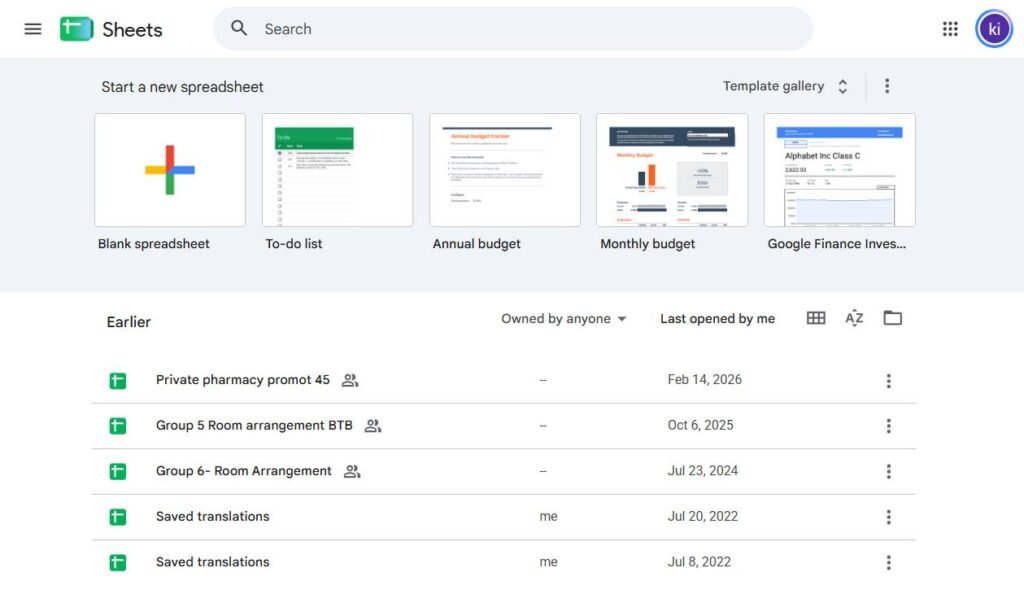
| Lists, stock, basic reports | Google Sheets | LibreOffice Calc |
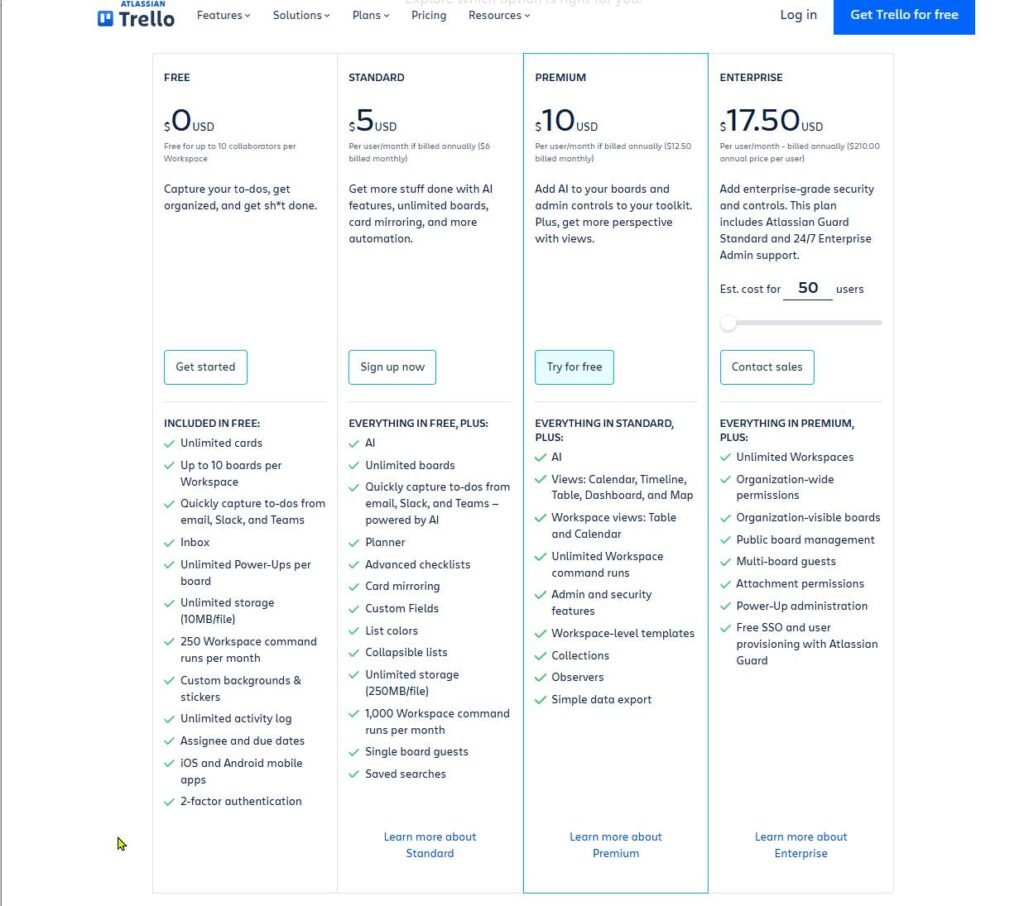
| Task and approval tracking | Trello (has a free plan) | Printed board or shared spreadsheet |
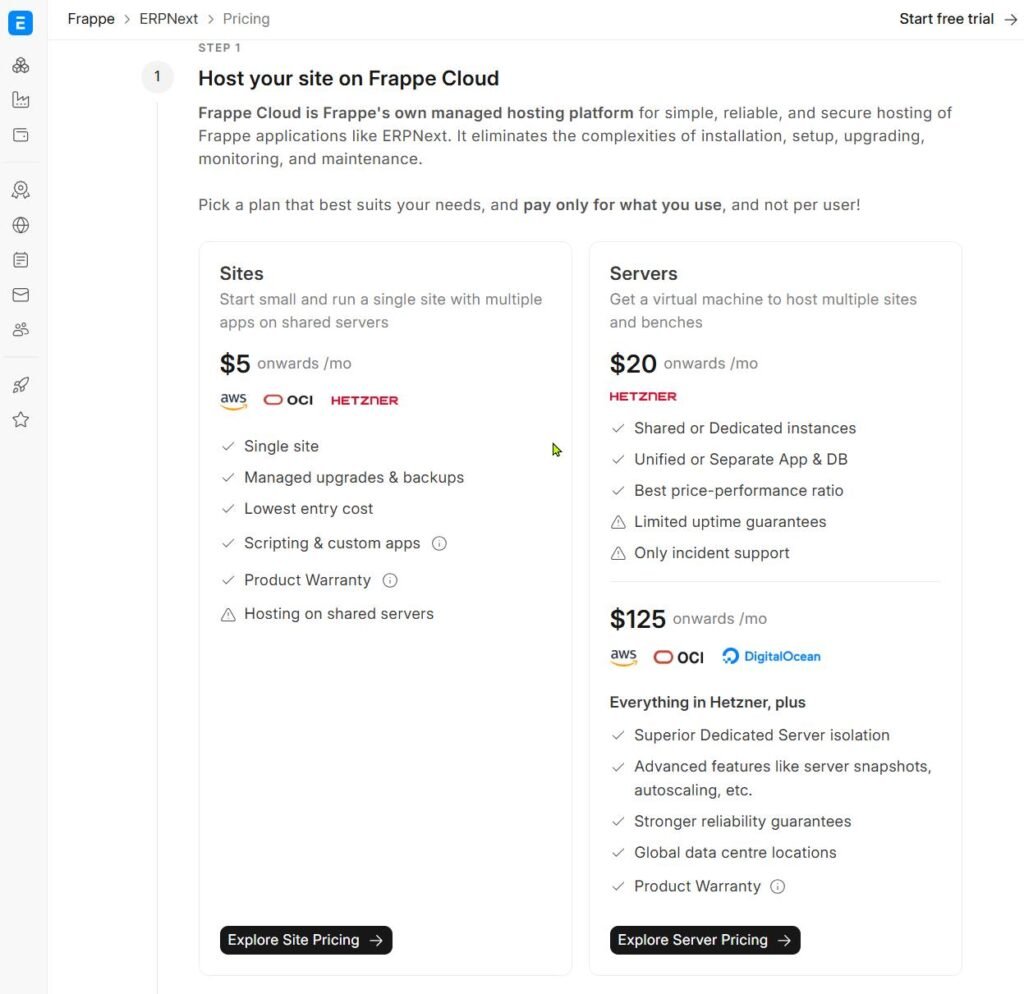
| All-in-one (sales, stock, billing) | ERPNext (open source) | Self-hosted install on your own computer or server |
Plans and prices change, so check each tool’s site before you commit. When you are ready to compare, our guide on how to choose business software walks you through it step by step.
A Quick Checklist: Software, Process, or Both? (When Do You Need Business Software)
Pick your slowest task. Answer yes or no to each line.
| Check | If YES, it points to |
|---|---|
| The steps are not written down | Process |
| Two people do it two different ways | Process |
| Work waits for one person’s decision | Process or people |
| Staff re-type the same info | Software |
| The task happens many times a week | Software |
| Errors come from typing or copying | Software |
Mostly process answers: fix the steps first. Mostly software answers: look for a tool. A mix: do both, process first.
Frequently Asked Questions
When do you need business software?
You need it when a clear, repeated task eats hours, causes errors or slows growth. If two or more of the five signs above fit your team, it is time to look.
What is a bottleneck in business?
It is the one step that slows the whole workflow. Everything behind it waits.
How do I know if it is a software or process problem?
Check if the steps are clear and the same for everyone. If yes, and the work is slow only because of manual effort, it is a software problem. If not, fix the process first.
Can a team of 5 people use business software?
Yes. Small teams often gain the most, because each person’s time matters. Start with one simple or free tool for your biggest bottleneck.
Is spreadsheet software enough?
For a while, yes. A shared sheet works for low volume. It starts to fail when many people edit it, data gets copied between files or errors keep appearing.
Will software fix a slow approval process?
Only part of it. Software can send requests and reminders. But if no one knows who should approve, set that rule first. See our guide to managing business tasks.
What if I choose the wrong software?
Test it with a free plan or trial first. Use it on one real task for two weeks. If it does not save time, drop it.
Final Thoughts
Software is a great fix for repeated, rule-based work. It is a poor fix for unclear steps or overloaded people. So when do you need business software? Only after you find the bottleneck. Then ask the four questions. Fix the process if it is broken. Add a tool if the work is clear but slow. Ready to pick one? Read how to choose business software and start with your single biggest bottleneck.
