
Sales, money, people, numbers. A small business has to juggle all four. The right software makes that easier. The wrong software just adds more tabs. This guide compares the four tools most small teams need: CRM, accounting, HR, and analytics.
Who this is for
Owners and managers of small businesses (about 1 to 25 staff) who are buying software for the first time, or replacing spreadsheets.
What you will get
Plain-English explanations, real prices, short comparison tables, and a checklist you can use today.
Prices in this guide are US list prices we checked in October 2026. Vendors change prices often, so always confirm on the vendor’s own page before you buy.
What Is Business Software? Types and Examples
Business software is any app that helps you run your company. It replaces paper, spreadsheets, and sticky notes. It saves time, cuts mistakes, and keeps your data in one place. If you want the basics first, read our guide on what business software is.
Most business software falls into a few main types, as Tally’s business software guide explains. Here are the ones small teams use most:
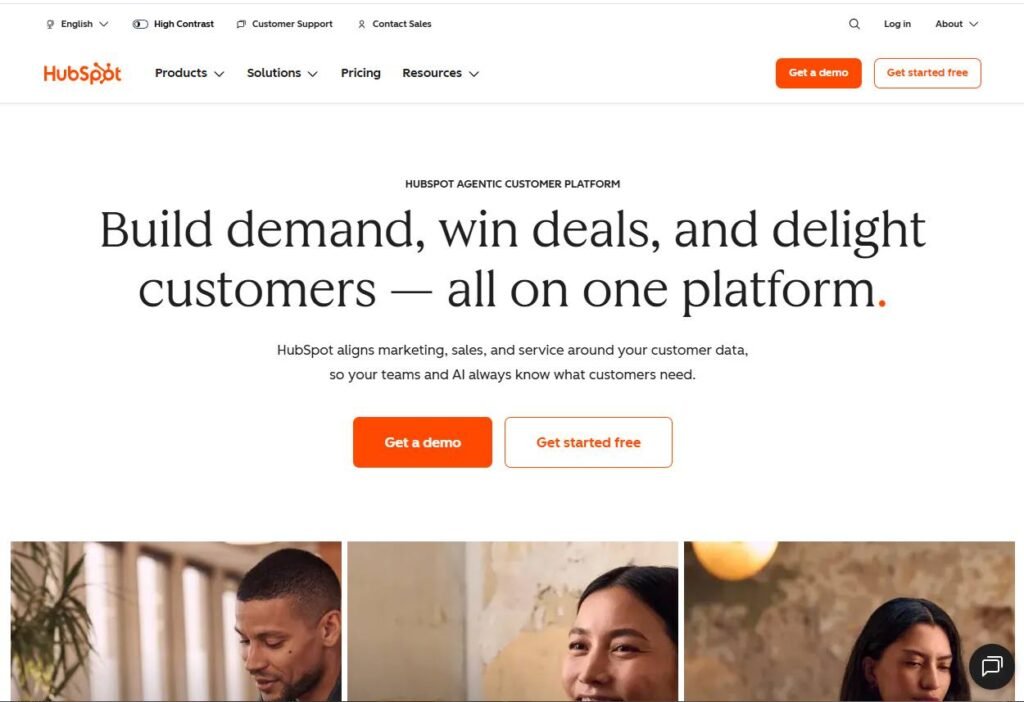
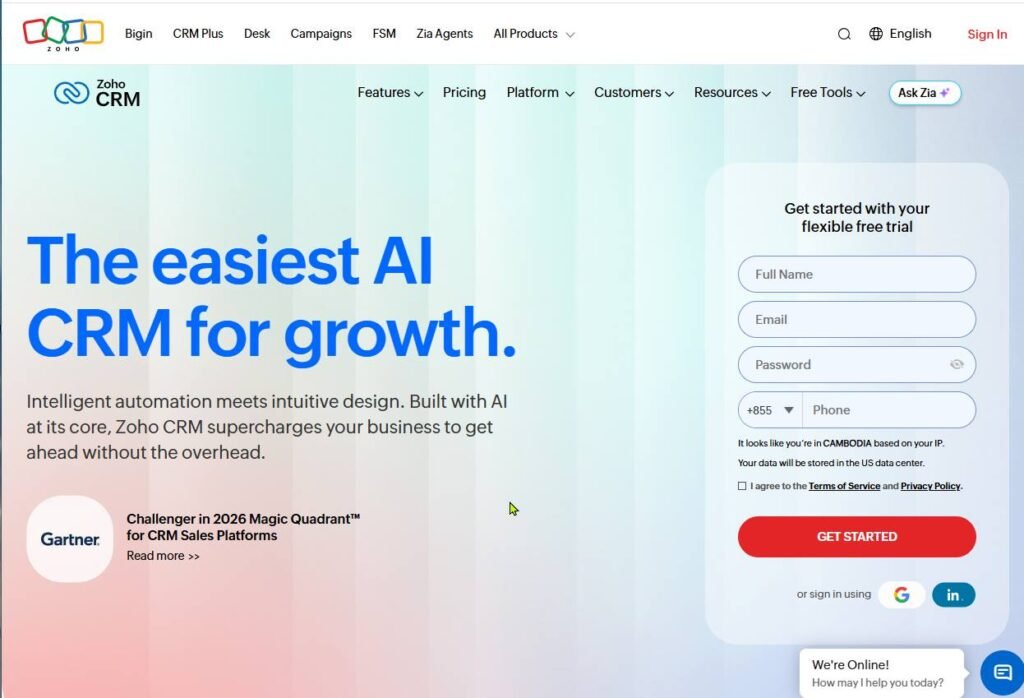
- CRM: tracks customers, leads, and deals. Examples: HubSpot, Zoho CRM.
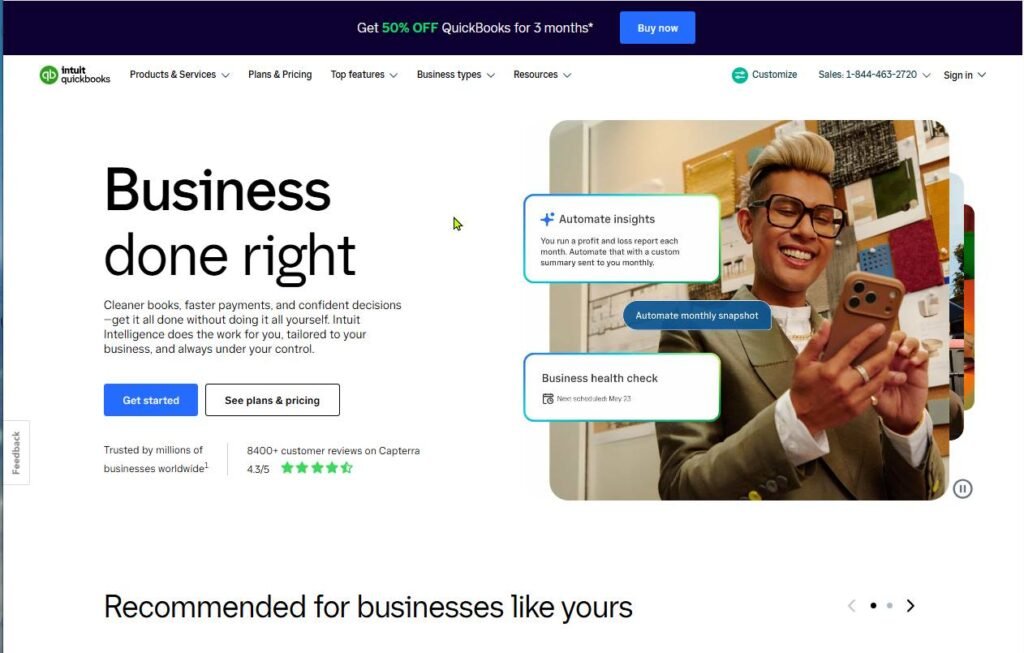
- Accounting: handles invoices, bills, and taxes. Examples: QuickBooks, Xero.
- HR and payroll: pays your team and stores staff records. Examples: Gusto, BambooHR.
- Analytics and reporting: turns your numbers into charts. Examples: Power BI, Looker Studio.
- Project and task tools: keep work on schedule. Examples: Trello, Asana.
- Inventory and POS: track stock and take payments in a shop. Example: Square.
- All-in-one (ERP): bundles several of the above into one system.
People call this whole mix the “business software landscape.” It simply means the full map of tools that exist and how they fit together. That is what the rest of this guide covers.
Why Businesses Need Software, and What Goes Wrong Without It
Doing everything by hand works when you have five customers. It breaks at fifty. Data ends up in spreadsheets, emails, and paper files, so it is slow to find and easy to get wrong. Tally’s guide lists the same problems: manual errors, scattered records, and slow tasks like invoicing and payroll.
With the right software
- Invoices go out on time
- No lead gets forgotten
- Payroll runs with fewer errors
- You see your numbers in minutes
Without it
- Customer details live in five places
- Typing mistakes cost you money
- Tax time turns into a scramble
- You guess instead of knowing
Software also frees up your week. See how to manage business tasks and organize business operations with software for practical ideas.
Which Business Software Is Best? How to Choose for Your Business

There is no single best tool. There is only the best fit for your team. A tool that is perfect for a 40-person firm can be too heavy for a 4-person shop. Start with your pain, not with a feature list. Our full guide on how to choose business software goes deeper. Here is the short version.
- Name your biggest headache. Late invoices? Lost leads? Messy payroll? Pick one.
- Set a budget. Include extra users and add-ons, not just the headline price.
- Shortlist two or three tools. More than that causes confusion.
- Try them free. Use real data, such as ten real customers or one real invoice.
- Ask your team. A tool nobody uses is wasted money.
Use this checklist to score each tool on your shortlist:
| Checklist item | Question to ask |
|---|---|
| Fit | Does it solve my main headache on day one? |
| Ease of use | Can a new team member use it in a week? |
| True cost | What do I pay with extra users, add-ons, and setup? |
| Connections | Does it work with my bank, email, and other tools? |
| Room to grow | Will it still work when I double my team? |
| Support | Can I reach a real person when something breaks? |
| Exit plan | Can I export my data if I leave? |
Quick tip: Give each row a score from 1 to 5. Add them up. The tool with the highest total wins, not the one with the flashiest demo.
CRM Software: Features, Types and Top Options
CRM stands for customer relationship management. A CRM is a digital address book that also remembers every chat, deal, and follow-up. New to it? Start with how to use CRM software.
There are three common types, according to Bitrix24’s CRM guide:
- Operational CRM: automates daily sales, marketing, and service tasks. Most small firms need this one.
- Analytical CRM: studies customer data to spot patterns.
- Collaborative CRM: lets sales, marketing, and support share the same customer record.
Features worth having at a small scale: contact records, a deal pipeline, task reminders, email sync, and a mobile app. Skip fancy extras until you need them. One CRM buying guide, from Utiliko, warns that features nobody uses are a common waste. Adoption matters more than feature count. Harvard Business Review also looks at why CRM projects fail.
| CRM | Best for | Starting price (approx.) | Watch out for |
|---|---|---|---|
| HubSpot | Teams that want a free start | Free CRM; paid from about $20 per user per month | Costs jump sharply at higher tiers |
| Zoho CRM | Tight budgets | Free plan for small teams; paid from about $14 per user per month | Many settings can feel busy |
| Bitrix24 | CRM plus tasks and chat in one app | Free plan available | Lots of features to learn |
| Salesforce | Larger teams with complex sales | Entry plans from about $25 per user per month | Usually needs an admin and setup help |
Sources for the table: HubSpot pricing summary and Utiliko’s CRM comparison.
Accounting Software: Features, Pricing and Top Options
Accounting software tracks money in and money out. It is how you send invoices, pay bills, and get ready for tax time. Here is what to look for:
- Invoicing: send bills and get paid online.
- Expense tracking: snap a receipt and file it.
- Bank feeds: match bank activity to your books automatically.
- Reports: profit and loss, cash flow, and tax summaries.
- Tax support: local sales tax or VAT features for your country.
Forbes tested many tools in its best accounting software review. Here is a simple snapshot of popular picks:
| Tool | Best for | Starting price (approx., US) | Good to know |
|---|---|---|---|
| QuickBooks Online | Most small businesses | About $38 per month (1 user) | Charges by user count; prices rose in August 2026 |
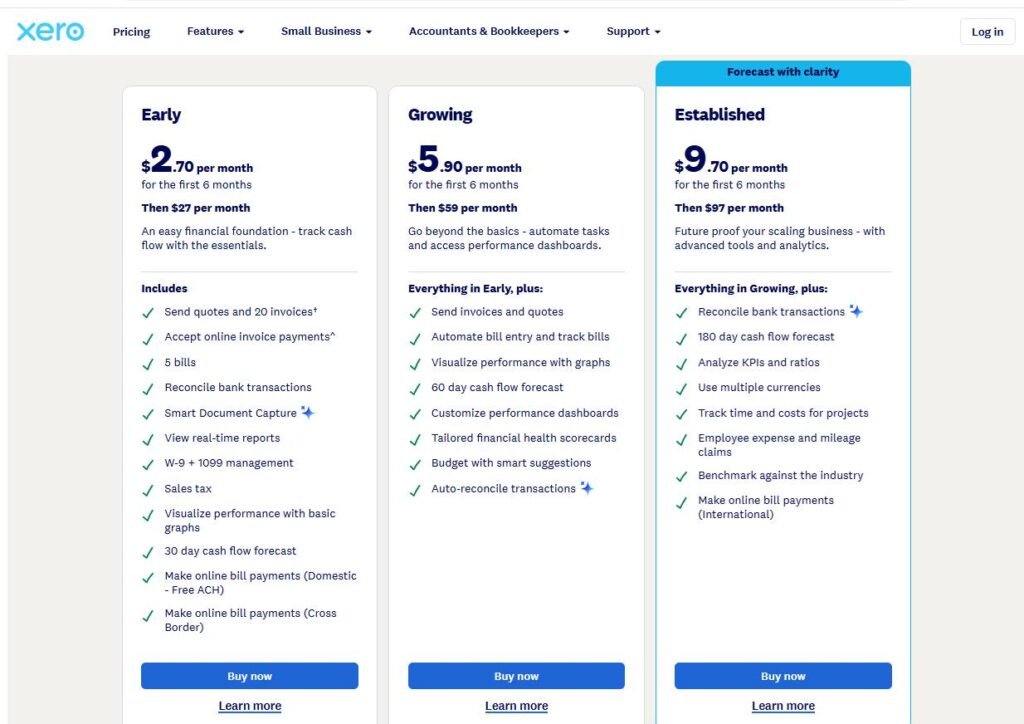
| Xero | Teams with several users | $25, $55, or $90 per month | Unlimited users; the cheapest plan caps invoices and bills |
| Zoho Books | Tight budgets | Free below a revenue limit; paid from about $15 to $20 per month | Fewer outside integrations than QuickBooks |
| FreshBooks | Freelancers and service firms | From about $23 per month | Payroll costs extra |
Price data comes from NerdWallet’s QuickBooks pricing review and a 2026 accounting price tracker.
Tip: Ask your accountant which tool they already use. If they know it well, sharing your books gets much easier.
HR Software: What It Does and How to Choose
HR software looks after your people. Many small firms start with payroll and add the rest later. Common jobs include:
- Payroll: pay staff and file payroll taxes.
- Onboarding: collect forms and set up new hires.
- Time and leave: track hours, holidays, and sick days.
- Staff records: keep contracts and details in one safe place.
- Hiring and benefits: post jobs and manage perks (often an add-on).
To choose, ask one question first: do you mostly need payroll, or do you need a full HR system? Payroll-first tools such as Gusto suit owners who run payroll themselves. Full HR systems such as BambooHR suit teams that want deeper records and reviews. A BambooHR vs Gusto comparison reaches the same conclusion.
| Tool | Best for | Pricing style (approx., US) |
|---|---|---|
| Gusto | Small teams that want payroll first | Base fee plus per person; entry plan about $49 per month plus $6 per person per month |
| BambooHR | Teams that want deeper HR records | Per employee; not every price is public, and third-party reports suggest about $10 to $25 per person per month |
Heads up: Payroll and labor rules differ by country and state. Check that the tool supports your location before you sign up.

Analytics and Reporting Tools for Business
Analytics tools turn raw numbers into charts you can read at a glance. They answer questions like “Which service makes the most profit?” and “Where do my leads come from?”
You may not need a separate tool yet. Your CRM and accounting apps already include basic reports. Add a dedicated tool when you want to combine data from several places on one screen.
| Tool | Best for | Price (approx.) |
|---|---|---|
| Looker Studio | Google users who want free dashboards | Free; optional paid Pro tier from about $9 per user |
| Power BI | Teams that live in Excel and Microsoft 365 | Desktop is free; sharing needs Pro at about $14 per user per month |
| Zoho Analytics | Small teams that want a flat monthly price | Around $30 per month |
See this Power BI vs Looker Studio comparison for pricing details, and GoodFirms’ BI pricing guide for more options.
Start small: Pick three numbers to watch each week, such as sales, new leads, and cash in the bank. Build one simple dashboard around them.
How CRM, Accounting, HR and Analytics Tools Connect
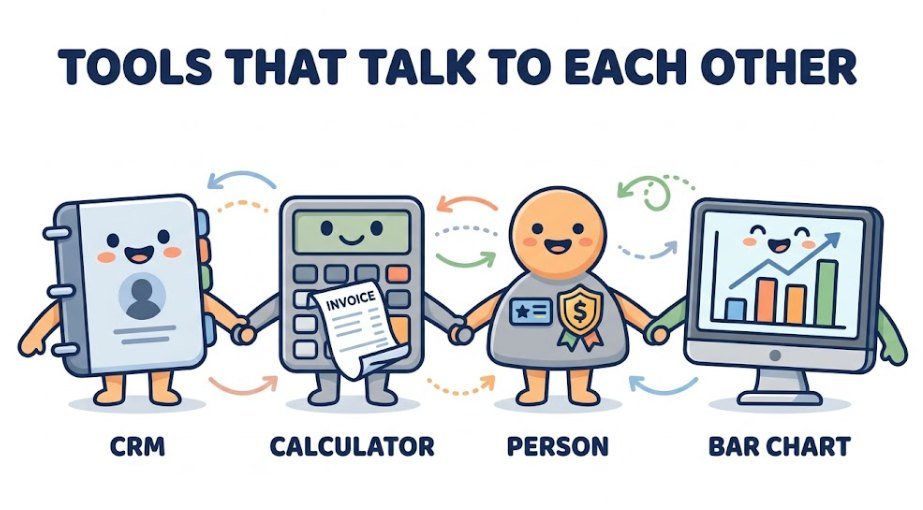
These four tools work best as a team. Data should flow between them so you never type the same thing twice. Here is how that looks:
| From | To | What moves | Why it helps |
|---|---|---|---|
| CRM | Accounting | Won deals become invoices | No retyping, fewer mistakes |
| HR and payroll | Accounting | Wages and taxes | Books always match payroll |
| CRM | Analytics | Leads and sales | See which channels pay off |
| Accounting | Analytics | Income and costs | Track profit in real time |
What is CRM in accounting software? Some accounting tools include a light CRM. It stores customer contacts next to their invoices and payment history. It is handy for simple needs. It is not a full sales CRM, so a growing sales team will want a dedicated one. Many accounting tools also let you plug a CRM in, and the CRM’s integration list is worth checking before you buy.
You have two ways to connect tools. Neither is wrong.
All-in-one platform
- Pro: one login and one bill
- Pro: data is shared by default
- Con: each part may be less deep than a specialist tool
Best tool for each job
- Pro: stronger features in each area
- Con: more logins and more bills
- Con: connections can break or sync one way only
Learn more about the first route in our guide to business management software. Whichever route you take, check that connections work in both directions. Some “integrations” only export a file, as Utiliko’s CRM guide points out.
Business Software Costs: Pricing and Hidden Fees Compared
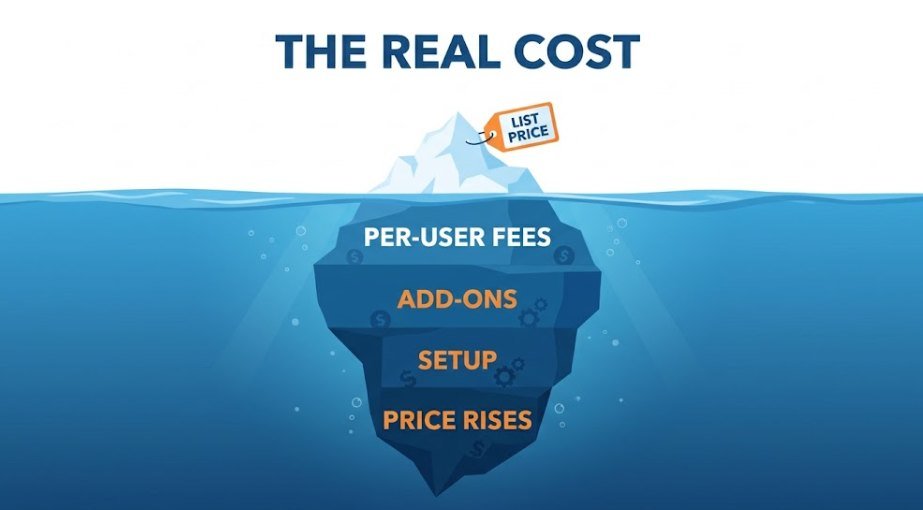
The price on the homepage is rarely the full price. Most small teams pay for extras they did not plan for. Watch for these:
| Hidden cost | What it looks like | How to avoid a surprise |
|---|---|---|
| Per-user fees | Every new hire adds a monthly charge | Price the plan at your team size plus two |
| Add-ons | Payroll, inventory, or AI tools sold separately | List the features you need, then check which plan includes them |
| Setup and training | Some vendors charge onboarding fees on higher plans | Ask for a written quote |
| Price rises | Plans get more expensive at renewal | Ask if prices are locked, and set a reminder before renewal |
| Payment fees | A cut of each card payment you collect | Compare processing rates, not just the monthly plan |
| Switching costs | Time and money to move your data later | Check for data export before you commit |
Price rises are real. A 2026 price tracker found that QuickBooks Online, Xero, and FreshBooks all raised prices this year. One CRM guide also says year-one costs often run two to three times the license fee once setup and training are included. Treat that as a rough estimate, not a rule.
What free plans usually give you
- Core features to test the tool
- Enough for a solo owner
- A risk-free way to learn
What you usually give up
- Limits on users, contacts, or invoices
- Automation and custom reports
- Priority support
Industry-Specific Software: Landscaping, Lawn Care and Beyond
Some trades have needs that general tools miss. A landscaper needs to price a job by the hour, the material, and the crew. They also need to plan routes and handle seasonal work. That is why industry-specific software exists.
For landscaping and lawn care, look for these features:
- Estimating: build a quote from labor and materials.
- Scheduling and routes: plan crew days and drive times.
- Job costing: see if each job made money.
- Invoicing and payments: bill customers fast.
- Crew time tracking: log hours from a phone.
| Tool | Best for | Price (approx.) | Good to know |
|---|---|---|---|
| LMN | Established landscaping firms that bid larger jobs | From about $297 per month | Built for landscapers; likely too much for a solo operator |
| Yardbook | Solo owners and small lawn care crews | Free tier; paid plans are low-cost | Fewer reports and job-costing tools |
| Jobber | General home service businesses | Entry plans start in the tens of dollars per month | Not landscape-only, but has a free trial |
Picking between them comes down to size. Starting out? Try Yardbook’s free tier. Growing and bidding bigger jobs? LMN may pay for itself. Offering mixed home services such as cleaning or repairs? Jobber has a wider reach. You can compare ratings on Capterra’s Yardbook page.
Go industry-specific if
- You quote jobs from labor and materials
- You manage crews and routes
- Your work is seasonal
Stay general if
- You work alone with few jobs
- You mostly need invoices and a customer list
- You already use a tool your accountant likes
Top Software Review Sites (G2, Capterra) and How to Read Them
Review sites let you read what real users say. They are a great place to build your shortlist. The big names are:
- G2: a large review site with comparison grids.
- Capterra: a directory with reviews and filters by business size.
- Software Advice and GetApp: sister sites to Capterra that share many of the same reviews.
Here is the catch. These sites earn money from software companies. Capterra says in its own transparency notice that sponsored profiles may appear first. A comparison by Spotsaas explains that Capterra’s sponsored spots work like an ad auction, so top position can reflect budget as much as quality.
Green flags
- Many reviews, not just a handful
- Recent reviews from the last year
- Reviewers with a business like yours
- Both pros and cons in the text
Red flags
- A perfect score from very few reviews
- Reviews that all sound the same
- Reviews that mention a gift or reward
- Trusting sponsored spots as “the best”
Review counts matter. In the landscaping example above, Jobber has well over a thousand reviews on Capterra, while Yardbook has only a few dozen at most. A 4.4 rating from 14 reviews tells you less than a 4.6 rating from over 1,000. Sort by “newest” or “lowest rating” to see the problems real users hit. Then confirm everything in a free trial.
Smart habit: Read the 3-star reviews first. They are usually the most honest.

Frequently Asked Questions
Which business software is best?
No single tool wins for everyone. The best software is the one that fixes your biggest problem, fits your budget, and gets used by your team. Start with a free trial of two or three options. See our guide on how to choose business software.
What are the top 10 business apps and examples of commercial software?
There is no official top 10, but these are widely used examples: QuickBooks, Xero, HubSpot, Salesforce, Gusto, BambooHR, Asana, Trello, Slack, and Microsoft Teams. Commercial software simply means software sold for profit, as opposed to free open-source tools. FactuON’s list of common business software shows more examples by category.
What is CRM in accounting software?
It is a basic customer list built into an accounting tool. It keeps contact details beside invoices and payments. It works for simple needs. If you manage many leads and deals, use a full CRM and connect it to your accounting tool.
What is a landscape in business?
It has two meanings. In this guide, “business software landscape” means the full map of tools on the market and how they fit together. In the green industry, “landscape” means the trade itself, such as lawn care, garden design, and outdoor building. That second meaning is why landscaping software exists.
What is the best software for a landscaping business?
It depends on your size. Small crews can start with Yardbook’s free tier. Growing firms that bid larger jobs often look at LMN. Mixed home services may prefer Jobber. See the comparison table above, and confirm current prices on each vendor’s site.
Can I trust G2 and Capterra reviews?
Mostly yes, with care. Both sites say they verify reviewers. But sponsored listings can appear at the top, so do not treat the first result as the best. Read recent reviews, check how many there are, and test the tool yourself. More in this look at how G2 and Capterra make money.
Do I need an all-in-one platform or separate tools?
Small teams often start with one or two separate tools, usually accounting first. Move to an all-in-one platform when switching between apps starts to waste time. Read about business management software to see if that day has come.
Final Thoughts
You do not need every tool on day one. Start with the one that solves your biggest headache. For many small firms that is accounting. For others it is a CRM or payroll. Add the rest as you grow, and make sure the tools can talk to each other.
Use the checklist in this guide, try two or three tools for free, and check real reviews. Ready to begin? Pick your top headache today and start one free trial this week.
